




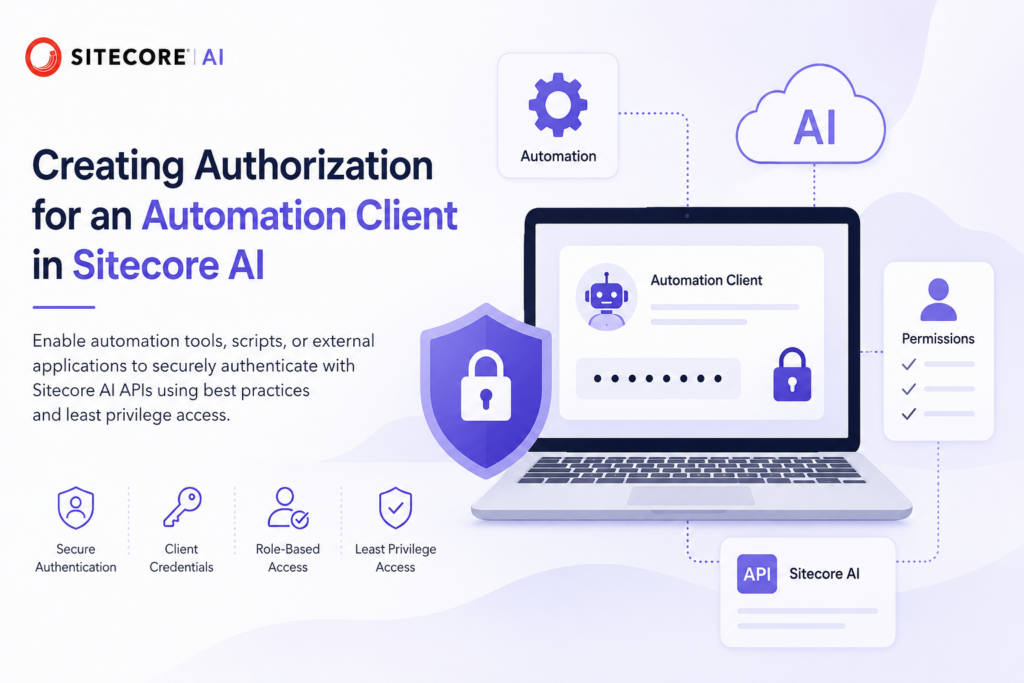
This guide explains how to create and configure authorization for an automation client in Sitecore AI. It covers the prerequisites, steps to register or configure the client, generating the required credentials, assigning appropriate permissions, and validating authentication. By following this guide, you will enable automation tools, scripts, or external applications to securely authenticate with Sitecore AI APIs while adhering to security best practices and the principle of least privilege.
Create the Client credetntials
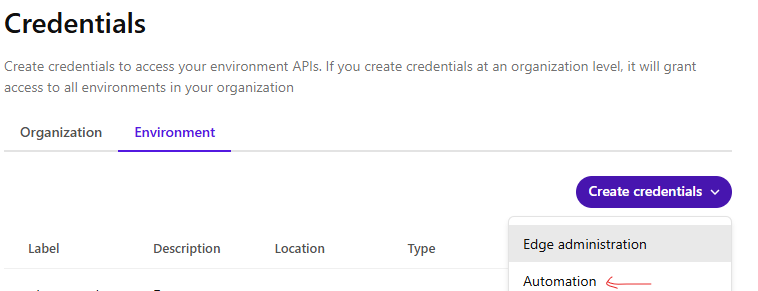
To generate the environment specific client credentitals select the project and the environment the Client ID and secret to be created for.
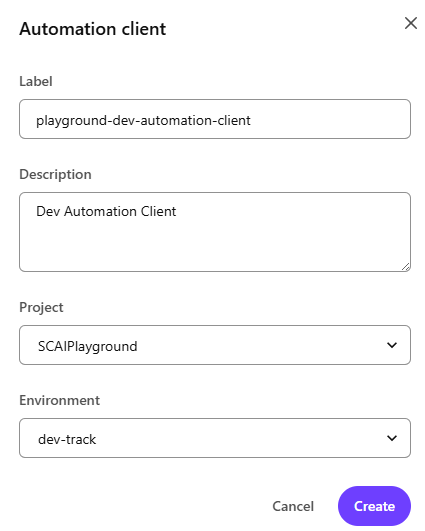
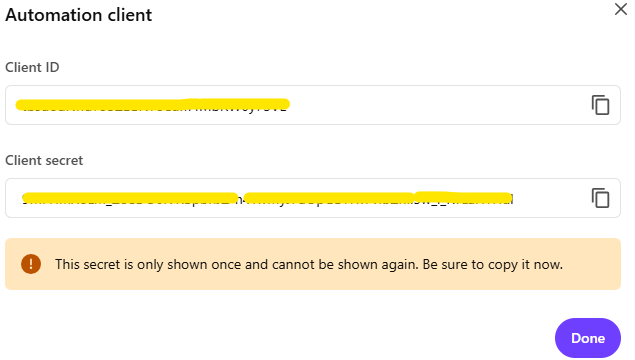
Client ID and secret is deplayed. Client secret cannot be shown again, so note this for future use.
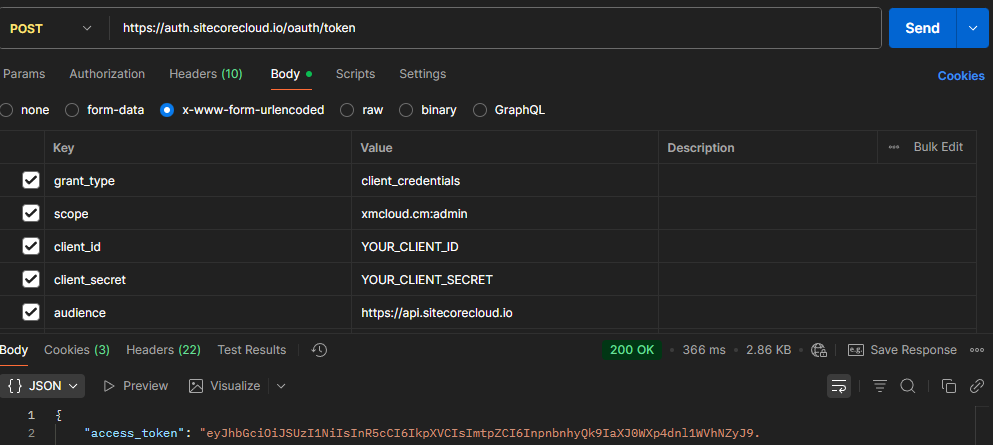
Generating JWT token for automation client
Url – https://auth.sitecorecloud.io/oauth/token
client_id – Use your client id
client_secret – use your client secret
audience – https://api.sitecorecloud.io
Use following cuRL command to run the get the token for this client-
curl --location 'https://auth.sitecorecloud.io/oauth/token' \
--header 'Content-Type: application/x-www-form-urlencoded' \
--header 'Cookie: __cf_bm=LMWhyHFoTdNlwF2MqFxH9AVUQ3FleNAC2Tc3dis4aE8-1784278799.3461177-1.0.1.1-dsinakNmEeHaipvn0cpRI9_Q9p7BQc6JpaI8UYtd24vUJibuJ5xg8GMigR12QLFPl4Sttk1A193_e4mqNdj_Y_23zXG5kHynOcDPJnkuTJu2e9Z.iRZnF5TDBaHSWHjw; did=s%3Av0%3Ae990257e-954d-4c0b-9885-648b225b8582.gnfIQeI146L5TXZF13lXJ%2FSKo%2BQ0L4PDj0xUdYVyqyo; did_compat=s%3Av0%3Ae990257e-954d-4c0b-9885-648b225b8582.gnfIQeI146L5TXZF13lXJ%2FSKo%2BQ0L4PDj0xUdYVyqyo' \
--data-urlencode 'grant_type=client_credentials' \
--data-urlencode 'scope=xmcloud.cm:admin' \
--data-urlencode 'client_id=YOUR_CLIENT_ID' \
--data-urlencode 'client_secret=YOUR_CLIENT_SECRET' \
--data-urlencode 'audience=https://api.sitecorecloud.io'
This should generate the JWT token for you to use this to perform automation-
0 Comments
3 Pingbacks